
Employee app
The innovators who help you reach all your employees
Employees without a permanent PC workplace aren’t the exception anymore, and in many companies they represent the majority of staff. This target group is difficult to reach for IC and HR. With mobile apps, you can open a new channel for your internal communication and address employees via private or business devices.
We use M365 and deliver your employee app built directly into Microsoft Teams to avoid additional licensing costs or isolated information due to separate products. Bring the M365 components together and create a digital home. The mobile app simplifies communication, strengthens collaboration, connects and increases productivity through digitalization – on a secure platform.
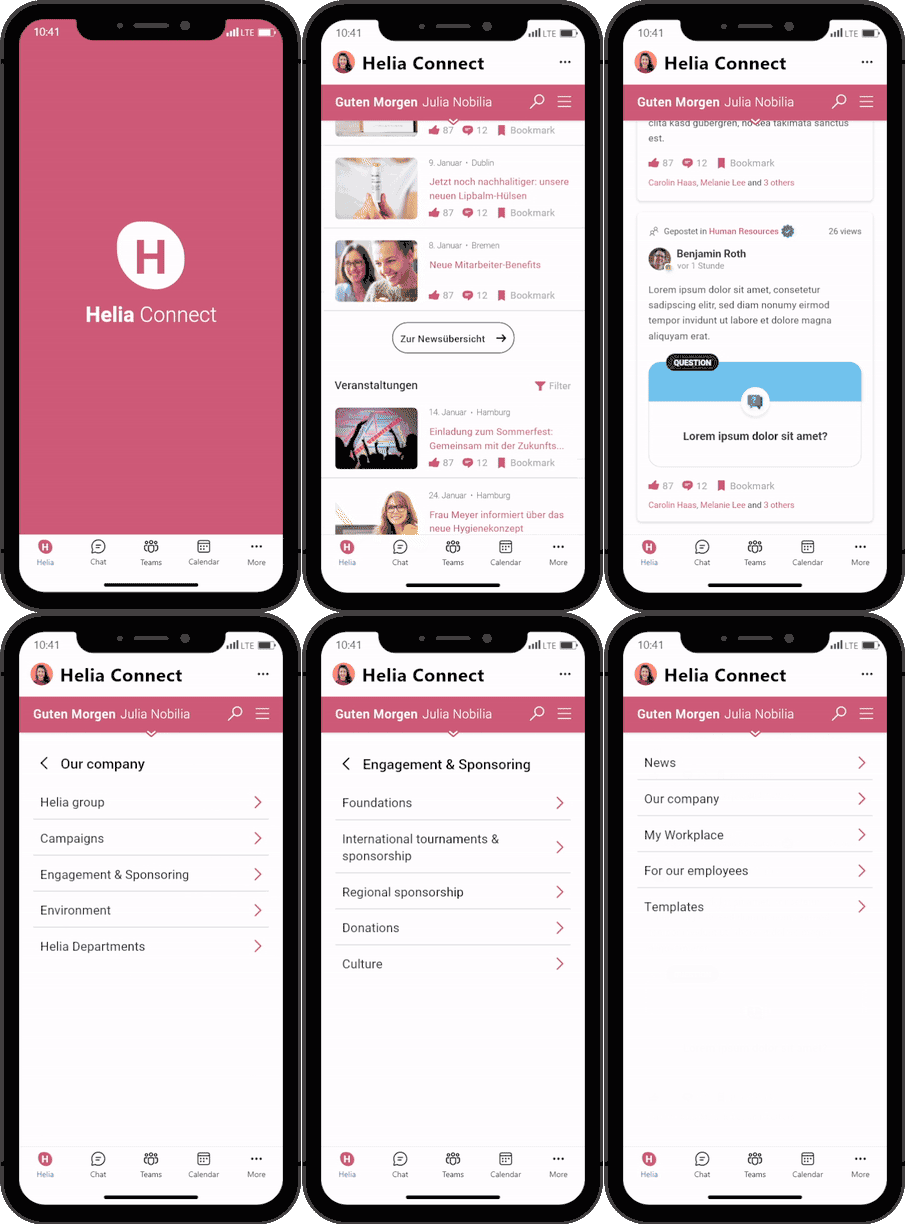
Sharing information via employee app – for everyone or in a more targeted way
Easily reach all employees – via app or desktop. With push notifications and target group control, all or specific employees of a location, a department or similar can be addressed. You can change the language by integrating an AI translation solution. More than top-down communication with comments, surveys, videos, etc. This is supplemented by networking in groups and communities.
Everything in one app
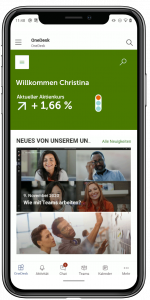
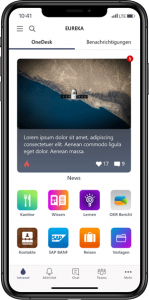
- Team collaboration and intranet information: centrally accessible in the Teams app.
- Personal greeting based on time of day & season. Search and navigation.
- Top News: highlighted news is prominently displayed at the top.
- Personalized news displayed according to target groups. Filters can be used to personalize the news display actively and passively.
- Team navigation allows quick shift to relevant content.
- Lots of space for events and/or other WebParts, displayed in a mobile-optimized way.
Employee apps...
- ...enable a simple dialogue between top management, middle management and the operative level.
- ...lead to transparency and speed when transmitting information within the company.
- ...increase the satisfaction and loyalty of employees, as everyone can contribute with ideas and remarks.
- ...offer strong opportunities for analysis in comparison to employee magazines or notice boards.
- ...let employees actively participate in what’s going on from any location and therefore increase productivity.
- Time tracking and shift planning
- Requests with forms and notification
- Approvals
- Tasks
- Sick leave notification
- Ticket system
- Canteen tile and menu
- Personal documents
- Launch workflows and apps from the Power Platform
- App store with interfaces to many existing systems
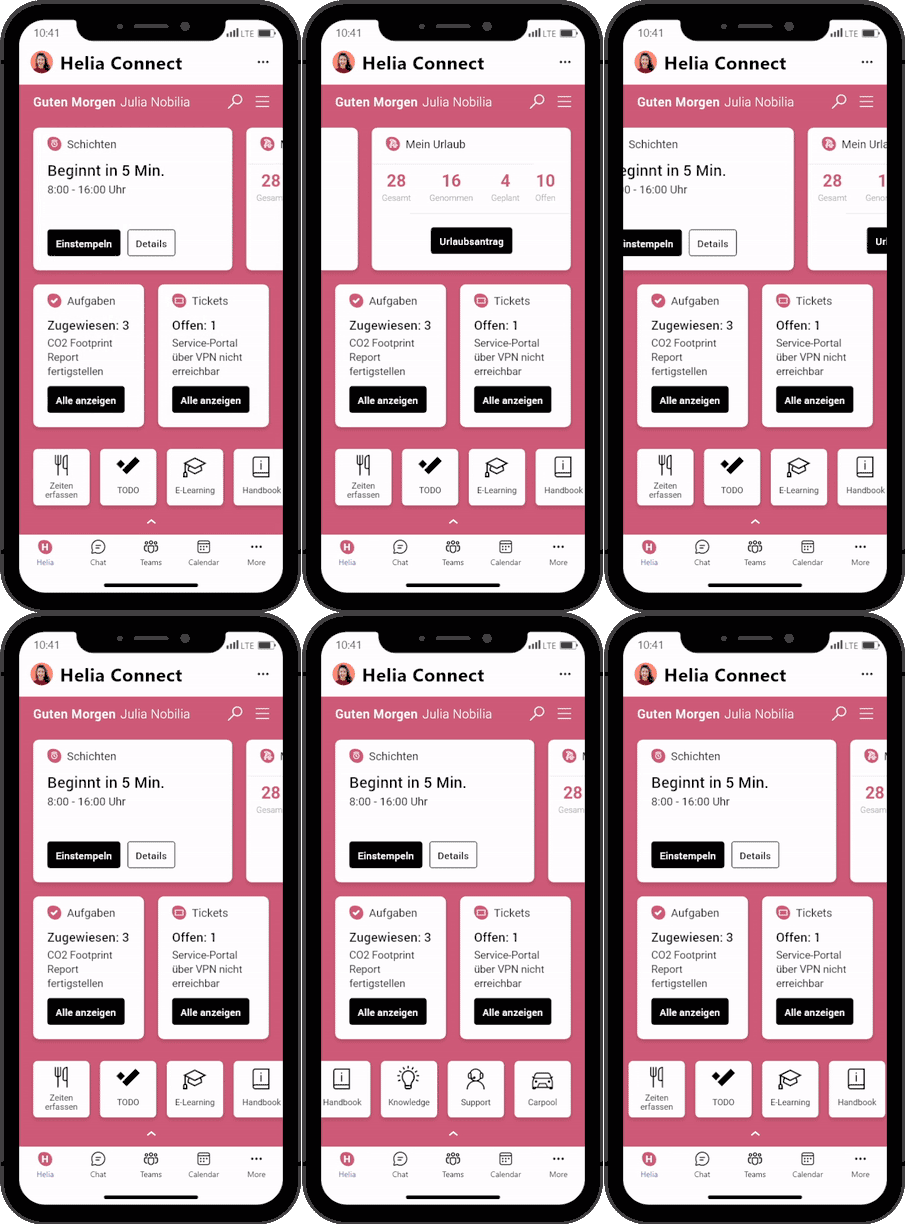
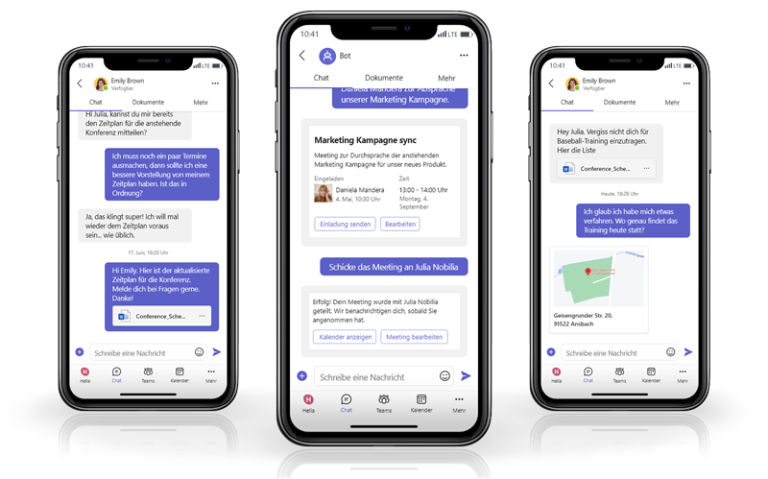
Always connected to the team – chat, voice mail, telephony and meetings on the go
The requirements for an employee app are usually very individual, so we specifically address your requirements to offer the best possible solution for you and your employees. To get a better feeling of how such an app can look like for your company, we would like to show you some of our solution examples.
With the consistently rethought digital workplace, the complete entry point to work and communication is integrated. Employees can find emails, documents, dashboards and the content of corporate communications. The approach uses AI and Graph functions. They enable the user to start transactions directly and to have a good overview.
Why is Microsoft 365 the best platform for your employee app?
New solutions are often introduced independently for employee apps. This results in redundant licensing costs and new cloud services to be checked, supported and secured by your IT. For employees, this often creates another information silo as the services are usually not linked to day-to-day tools like the intranet search. It also creates islands where only some of your employees can be reached via chat. We thus recommend Microsoft 365 because it has high penetration among office workers and allows for greater reach via Microsoft Teams. In many companies, Microsoft 365 is already in operation as a platform. Access is also secured – presumably with more options than with smaller platforms. This means that there are almost no licensing costs, only for new employees, and hardly any additional IT costs. The platform comes with many interfaces and is ready for expansion. The solutions are available simultaneously for app and desktop users.
Our Technologies:
How to start?
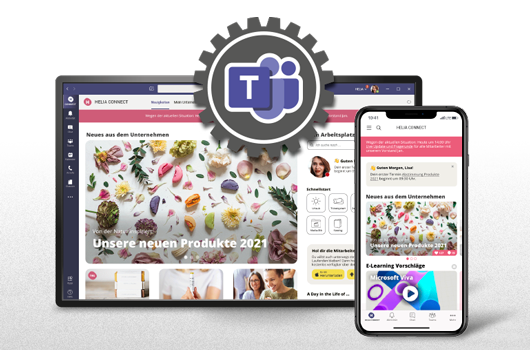
Teamsify your Intranet – Employee app and Teams integration
Take your internal communications to the next level – increase their reach and provide a better user experience for your employees by integrating your Mircosoft 365 intranet with Microsoft Teams.